macOS 用 MetaTrader 4

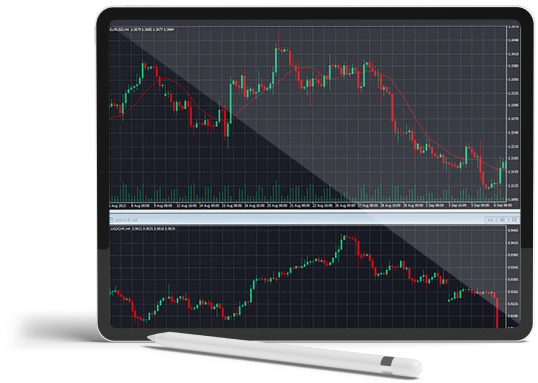
Forex trading on tablet: A person using a tablet to trade forex, monitoring charts and making transactions.
T4Trade Logo on a Black Background: A Striking Emblem of Financial Excellence and Trading Precision
Blue circle on black background
a red cycle with black background
Blue Cycle on Black: A Symbol of Endless Motion
A laptop displaying the Windows operating system on its screen.

Windows,

White laptop with blue apple logo

MacOS

Icon Representing Apple the MetaTrader 4.

iPhone/iPad

Seamlessly Access and Manage Forex Markets with the Power of Mobile Trading on Android.

アンドロイド,

いつでもどこでも取引しよう
iOS 用の MT4 で

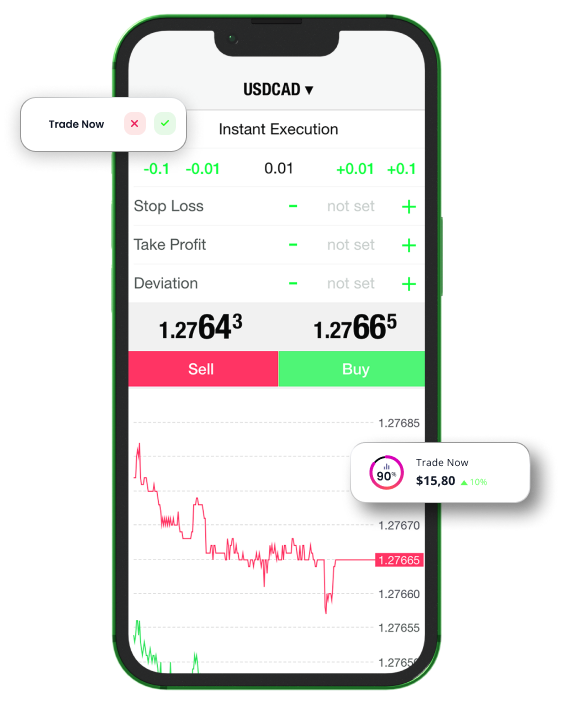
業界をリードする取引プラットフォームをiOSデバイスにダウンロードして、いつでもどこからでもアカウントにアクセスできます。何千もの市場で簡単にポジションをオープンおよびクローズし、価格アラートを設定して、どこにいても取引の機会を逃さず、取引を追跡できるようにします。

すべての取引にはリスクが伴い、資本を全額失う恐れがあります。

すべての取引にはリスクが伴い、
資本を全額失う可能性があります。

なぜT4TradeのMT4 for iPhone/iPadで取引するのですか?

T4TradeのiOS用MT4取引プラットフォームを使えば、パソコンやMacと同じ認証情報でiPhoneからアカウントにアクセスできます。100%ネイティブのiPhoneアプリ、MT4アカウントの全機能、取引履歴ジャーナルなどの機能が含まれています。最も人気のあるプラットフォームをお楽しみください 取引プラットフォーム いつでもどこでもあなたの携帯電話で。

iPhone/iPad用MetaTrader 4のダウンロード iOS

iOSデバイス向けの最も機能的なプラットフォームであるMetaTrader 4を介して、外出先で外国為替を取引します。 注文を出し、市場レートを最新の状態に保ち、リアルタイムのニュースフィードと追加機能を備えた外国為替チャートにアクセスして、取引をより便利にします。

どこにいても取引可能

trading apps designed specifically for Iphone devices, highlighting the best options available

MT4は、

Green Tick: Symbol of Approval, Success, and Positive Outcome.

Windows,

Green Tick: Symbol of Approval, Success, and Positive Outcome.

MacOS

Green Tick: Symbol of Approval, Success, and Positive Outcome.

iPhone/iPad

Green Tick: Symbol of Approval, Success, and Positive Outcome.

アンドロイド,

Green Tick: Symbol of Approval, Success, and Positive Outcome.

各種インターネットブラウザ

Icon Representing Apple the MetaTrader 4.

MT4 for iPhone/iPad - 特徴

iOS版MT4へのログイン方法

A blue and gray sphere with a speech bubble, representing communication and interaction.

iOS用MT4プラットフォームの詳細については、FAQページをご覧ください

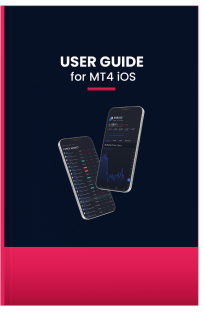
A comprehensive manual providing instructions and tips for using the M4 iOS app efficiently

MT4 iOSのユーザーガイド

iOS用MT4プラットフォームのダウンロード、インストール、使用方法については、ユーザーガイドをお読みください

早速開始して、 300以上の商品のCFD取引を優れた取引条件で実体験しましょう。